

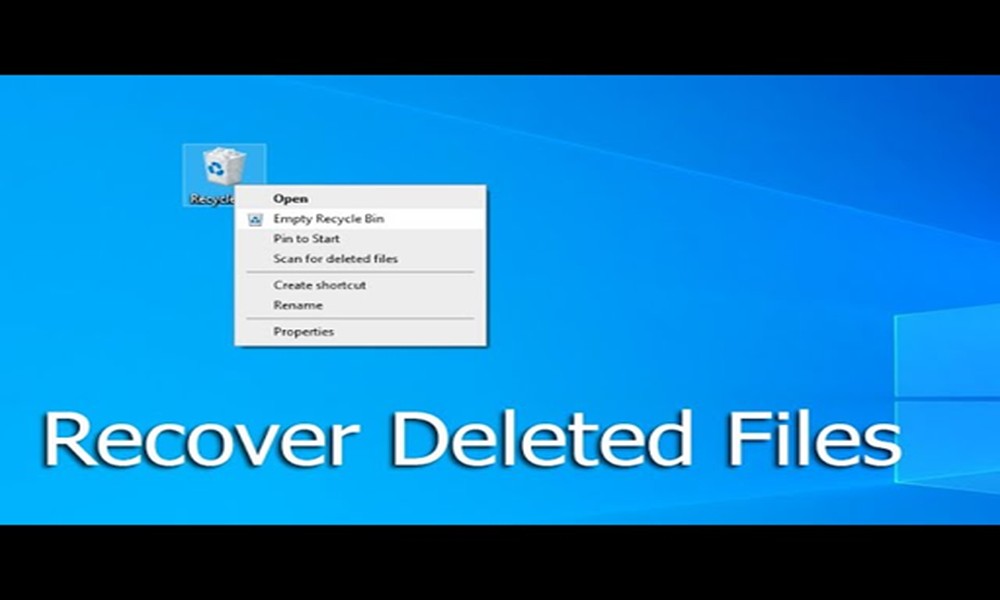
Have you accidentally deleted a file on Windows? No worries! There are several ways to recover deleted files in Windows. First, you need to check the recycle bin on your desktop. Once you file the file, right-click there, and you can restore. And if you don’t find the file in the recycle bin, you may check file history. Open the folder containing the deleted file, and it’s easy to restore. Now, you can access all the previous versions, and there is no risk of losing valuable data.
Also, you may choose a tool and install it that will help you recover the file. You can easily follow the on-screen instructions to run a scan. This way, you can restore the deleted file, and you will get access to the data.
How to recover permanently deleted files?
There are data recovery tools that you can use to quickly recover the deleted files. PandaOffice Drecov data recovery software is one of the most effective tools, and it helps in the easy recovery of files. The recovery tools help you scan the drive, previewing the files you can recover. You need to follow the instructions, and it becomes easy to get access to the file.
How to maximize file recovery?
You may take some precautions to maximize file recovery. Avoid using the drive where files are deleted, and it even helps you prevent overwriting. It’s good to stop using the affected drive, and you can lower the risk of losing data. ‘Recycle Bin’ and ‘File History’ are the built-in recovery options allowing you to recover files easily.
Role of Cloud Storage in File Recovery
Cloud storage plays a crucial role in file recovery. There are several services that will sync the files to the cloud, and you will get a backup. Cloud services usually retain the files for a certain period, and you will get the chance to recover the file. It adds additional protection, and you can retrieve the lost data without confusion.
Final Words
Finally, you get a clear idea of how you can recover the deleted files. Using the built-in options and choosing the right recovery will help you access the lost file. It simplifies the process of recovering data lost due to accidental deletion.