


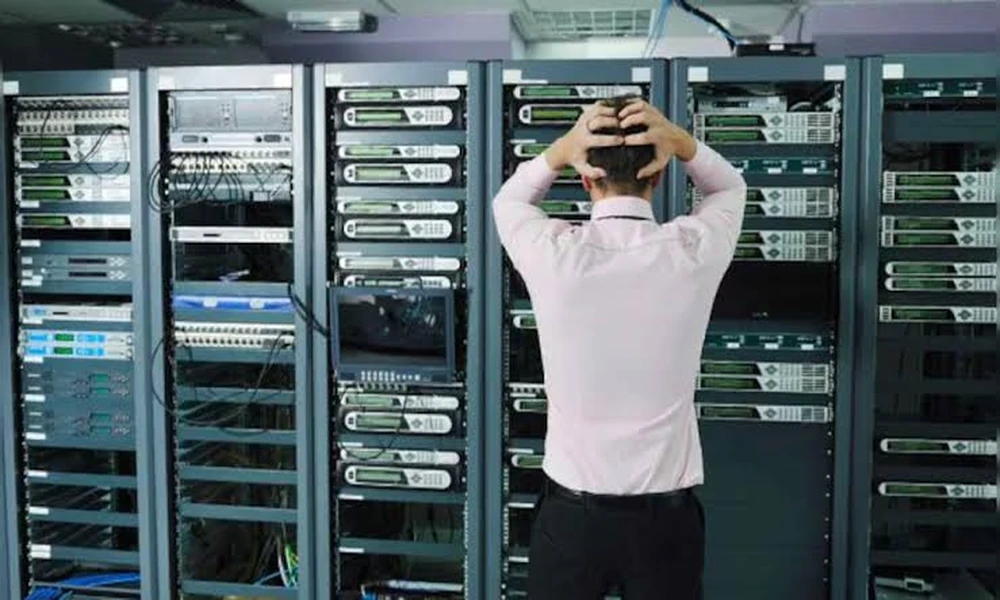
Most companies define their “tech stack” as software: CRMs, cloud hosting, analytics dashboards, marketing automation. The systems that protect the building those assets sit in – access control, cameras, door hardware – rarely get the same budget conversation, even though a breach at the physical layer disrupts operations just as badly as a server outage. Treating physical security as a connected, auditable part of the stack closes that gap.
What Is Physical Security Technology?
Physical security technology is the set of hardware and connected systems – cameras, access-control panels, door sensors, buzzer and intercom systems – that protect a business’s physical premises the same way firewalls and encryption protect its digital ones. Most of it now runs on the same IP network as everything else in the office: a modern access panel logs events to a cloud dashboard, a camera feed can trigger an alert in a Slack channel, and a door sensor can feed into the same monitoring stack an ops team already uses for uptime alerts.
Why It Matters for Growing Businesses
Teams that have spent the last few years hardening their digital operations – SSO, endpoint management, incident response runbooks – often haven’t asked the same questions about the front door. That’s a gap, not a coincidence: physical security historically lived under “facilities,” a completely different budget owner than “IT,” so it never went through the same scrutiny.
The business case is the same one that justified the software investment. Unauthorized physical access can mean stolen inventory, exposed client files left on desks, or a compromised device walking out the door – the physical equivalent of a leaked credential. Insurers and commercial landlords are also starting to ask about access logs and camera coverage the way they once asked about backup policies, which turns this from a “nice to have” into a due-diligence item during lease renewals or funding rounds.
How Physical Security Systems Work Today
Access Control and Identity
Modern access control ties a badge, fob, or mobile credential to the same identity record HR and IT already manage, so offboarding a former employee revokes building access at the same moment it revokes their email login. That single-source-of-truth approach is the biggest practical upgrade over the lock-and-key model most small offices still run on.
Surveillance and Analytics
Camera systems have moved well past passive recording. Footage increasingly gets paired with operational data rather than sitting untouched until something goes wrong. A small logistics operator in Jackson Heights, Queens, for instance, layered security camera installation in Queens onto its existing inventory software so loading-dock footage could be checked against shipment logs whenever a delivery dispute came up – a low-cost pairing of physical and digital records that turned a “he-said, she-said” argument into a five-minute lookup.
The Overlooked Layer: Doors and Hardware
Software and cameras get the attention, but the door itself is the actual boundary being protected, and it’s the part most likely to be ignored until it fails. If a heavy commercial door doesn’t latch flush, or the closer has drifted out of adjustment, no access-control software can fix the physical gap it leaves. That’s why operations teams managing multi-tenant or commercial buildings in New York tend to keep a standing relationship for commercial door repair in NYC rather than treating a sticking door as a one-off maintenance ticket – a door that doesn’t close properly quietly undoes every access-control rule configured behind it.
Practical Steps for Bringing Physical Security Into Your Tech Stack
- Audit what already exists. Most offices have a patchwork of an old alarm panel, a landlord-installed camera, and a lock nobody remembers the key history for. Start by mapping what’s actually there.
- Put one owner on it. Physical security shouldn’t sit entirely with facilities or entirely with IT – assign someone who talks to both.
- Integrate before you replace. Many access-control and camera platforms now offer APIs or dashboards that plug into existing identity providers; check for that before ripping out working hardware.
- Budget for hardware maintenance, not just software licenses. A camera subscription is easy to mistake for the whole system – the mounting, the door hardware, and the wiring need upkeep too.
- Review access logs on a schedule, the same way a security team reviews login anomalies.
Common Mistakes
- Treating physical security as a one-time install. Systems drift out of adjustment and firmware goes unpatched just like any other device.
- Splitting ownership with no handoff. When facilities and IT each assume the other is monitoring alerts, nobody is.
- Ignoring the mechanical parts. A misaligned door or a buzzer with a dead battery undermines an otherwise well-designed access policy.
- Buying cameras without a review process. Footage nobody watches or audits provides a false sense of coverage.
Software-Only vs. Integrated Security Mindset
| Software-Only Mindset | Integrated Physical + Digital | |
| Ownership | IT manages digital assets; facilities handles the building separately | One point of accountability spans both |
| Access revocation | Email/SSO revoked instantly; building badge often forgotten | Both revoked from the same identity event |
| Incident review | Digital logs checked; camera footage reviewed only after something goes wrong | Both reviewed on a regular cadence |
| Maintenance | Patch cycles for software; door and hardware upkeep often deferred | Physical hardware maintained on the same schedule as software |
FAQ
Does physical security really belong in an IT budget conversation? Yes – most modern access control and camera systems run on the office network and report into cloud dashboards, so they carry the same maintenance and review responsibilities as any other connected system.
What’s the fastest way to find gaps in an existing setup? Start with an access log audit: check who currently has building or door credentials against your current employee roster and remove anyone who shouldn’t still have access.
Is upgrading camera or access-control hardware disruptive to a working office? Not usually – most reputable installers can phase in new access panels or cameras alongside existing hardware, swapping components without a full building shutdown.
Why would a working door need a specialist rather than a general handyman? Commercial door hardware – closers, latches, panic bars – has to meet fire and accessibility code, so misadjustments aren’t just inconvenient, they can be a compliance issue a general contractor may not catch.
How often should access logs or camera footage actually be reviewed? A monthly review catches most anomalies; high-traffic commercial buildings or multi-tenant properties often warrant a weekly check instead.
Conclusion
Digital transformation initiatives tend to stop at the office door – literally. But the hardware protecting that door, the cameras watching the loading dock, and the badge system tied to employee identity are all part of the same technology stack that CRMs and cloud infrastructure belong to. Auditing them with the same rigor applied to software isn’t a facilities chore; it’s closing the last gap in an otherwise well-secured operation.
