


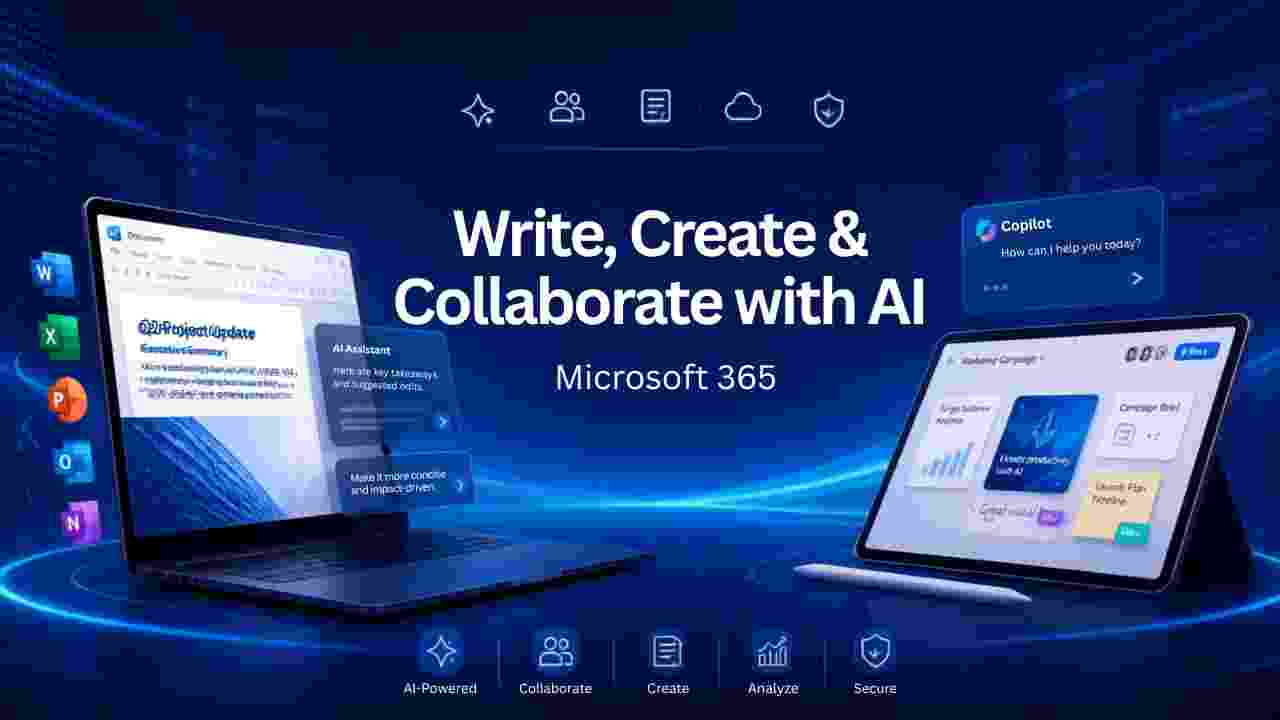
If you want to get stuff done and create things, then as a creative you want to use a tool like Microsoft 365. It encourages you to experiment, test stuff out, and it continually pushes the boundaries to deliver something exceptional and immersive. It offers integrated solutions that are meant to enhance efficiency, and also simplify the daily work. But what exactly can you do with Microsoft 365? Let’s find out!
Professional document creation
With Microsoft 365, it becomes second nature to create professional documents. It has a variety of professional templates, grammar and spelling checkers, automatic saving, smart design suggestions, cloud syncing and rich text formatting. Plus, with modern AI features, it becomes much easier to generate drafts, rewrite sections, improve clarity and summarize long documents. All in all, it can help save a significant amount of effort and time.
Real-time collaboration
Another upside of Microsoft 365 is the fact that you can easily collaborate with people in real time. It actually delivers things like co-authoring, shared workspaces, mentions, comments, version history, change tracking, permission controls and so on. It truly helps deliver excellent teamwork, and it reduces confusion over the other document versions.
Access files from anywhere
You will also like the fact that Microsoft 365 makes it easy to access those files from anywhere in the world. It’s great to have cloud support, it brings automatic backup, offline editing, file syncing and secure sharing, not to mention version recovery. All of that helps, and it can help make the process better and easier.
Improved communication
Let’s face it, communication is crucial for any type of project. Microsoft 365 has good communication features, ranging from the ability to schedule meetings to send professional emails, share calendars, organize contracts, exchange instant messages, share files during conversations and many others.
At the same time, Microsoft 365 also makes it easier to hold virtual meetings and online events. You can do HD video conferencing, meeting recordings, live captions, meeting chats, virtual backgrounds, pools, webinar support is also available in there as well. Having a system in place for virtual meetings is excellent, and it truly helps convey a stellar array of solutions, along with a true attention to detail and outstanding value.
Organizing projects
Microsoft 365 does a great job at allowing you to better organize your project and it has excellent task management features. With that, it gives you the ability to create task lists, assign responsibilities, set deadlines, track progress, monitor the project status and organize priorities. It can also help share project updates too, which is handy. Being able to better organize your projects can prove to be a game-changer, and it’s well-worth considering here.
Managing your schedule
In the business world, there are always a ton of things to do. That’s why you want to better manage your schedule and figure out how to adapt and implement things. It’s the reason why Microsoft 365 has personal calendars, shared team calendars, meeting invitation, availability tracking, event reminders and so on. It becomes second nature to simplify coordination across departments, while reducing any of the scheduling conflicts, too.
Managing files securely
It’s a great opportunity for someone to manage their files with Microsoft 365, because it’s easy to do. You can store your files securely, you can share files with other people, and event control editing permissions. And it even goes beyond that because you can restore deleted files, recover previous versions and organize shared resources. As a whole, this is the best way to better manage your files and it has the potential to push things to the next level in ways that might not have been possible until this point.
AI implementation
While some people are divisive when it comes to AI, there’s no denying that this is indeed a great tool for a variety of business people. And yes, Microsoft 365 does have AI features. You can use that for drafting content, summarizing long documents, rewriting paragraphs, generating presentations, studying data, answering questions about documents, creating meeting summaries, drafting emails, suggesting improvements and other things. It doesn’t replace humans, instead it gives the much-needed assistance and support you would need for certain projects. And that on its own can make a major difference.
Conclusion
It’s always important to have the right tools for you readily available, if you want to do creative or even regular business work. Microsoft 365 blows us away with its ease of use, outstanding quality and true focus on value. It’s impressive, comprehensive, and it pushes the limits when it comes to the value that it delivers. That being said, if you want to buy Microsoft 365 online in India, you can do that now via www.DolphinComputer.co.in. Not only is it highly professional, but it offers a genuine key that you can use whenever is necessary. All you have to do is to grab yours today!
